

Co-Design your Organization
Collect feedback, model how work gets done, and shape services together.
Feedback across channels
In the field, on the web, or on the whiteboard
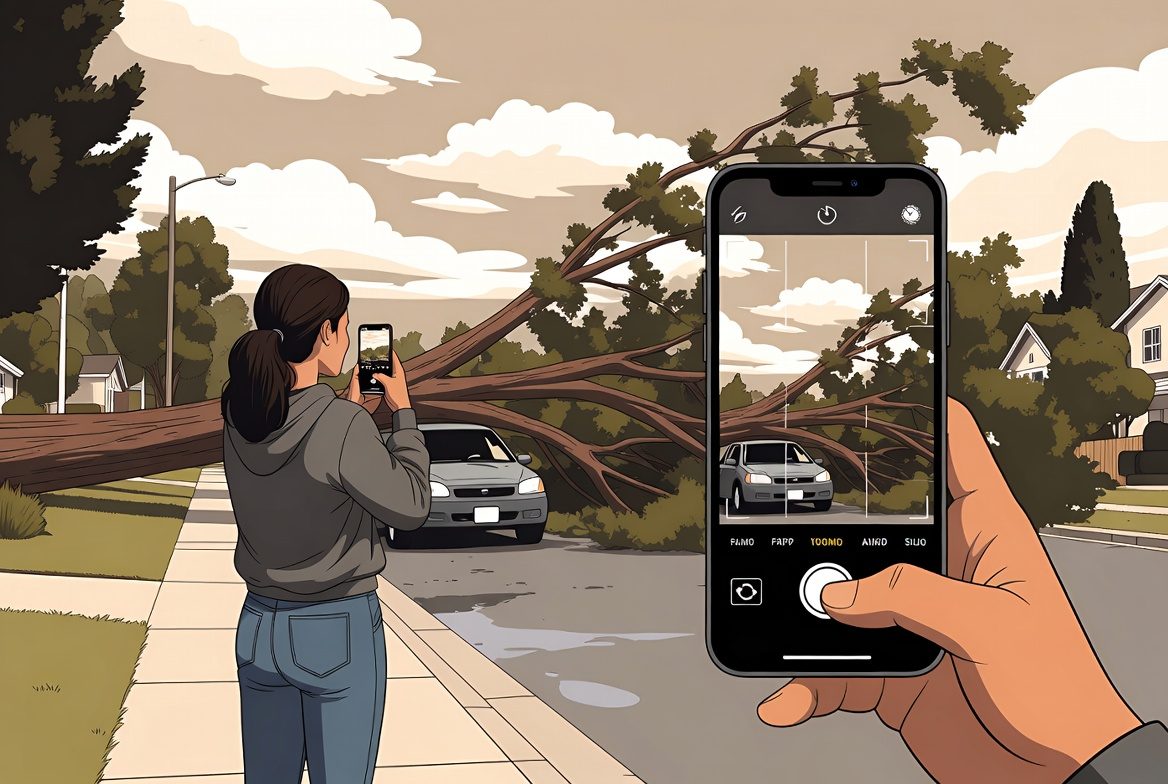
Location-based feedback
A resident spots a downed tree blocking the road. They open Touchpoints on their phone, snap a photo, and submit — GPS fills in the location automatically. The report lands directly in the team responsible for clearing it.
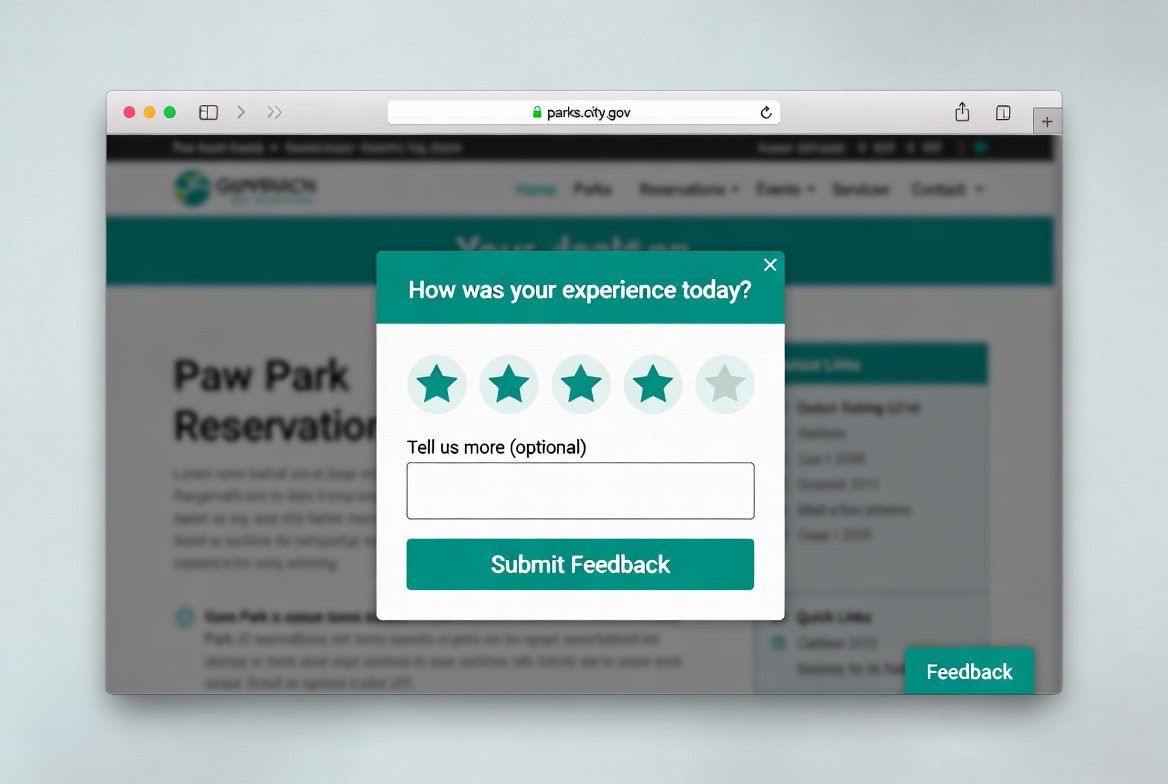
Online feedback
A tab in the corner of any page — one click opens a short form. No navigation, no separate survey link. Visitors share what they need without leaving the page they're on.
Model how work gets done
Draw BPMN process diagrams to map your service flows. Attach forms to steps, run the process, and see where things stall. The diagram is the documentation, the execution engine, and the status dashboard.
Feedback in the field
A resident spots a problem and reports it
From report to resolution, Touchpoints connects the person with the problem to the team that fixes it.
-
1
Report
Open the app, tap the map, drop a pin. Snap a photo, add a note. GPS fills in the location.
-
2
Route
The process model triages the request. Category determines which team gets it. No manual sorting needed.
-
3
Track
The workflow advances through the process. Each step is logged. The reporter gets status updates.
-
4
Resolve
Crew fixes the light, closes the request. The resident is notified. The data feeds the map.
Continuous feedback online
Online feedback, in stages
Newsletter signup
Grow your audience and keep stakeholders informed. Embed a signup form anywhere to collect emails and build a list.
Early beta user testing
Invite testers to annotate pre-launch pages with page pins. Capture usability issues before they reach production.
Ambient website feedback
Page pins let visitors flag issues on any page, in context. A browser extension drops spatial annotations directly onto your live site.
After-the-fact feedback
Post-service surveys, satisfaction forms, and experience ratings. Collect structured feedback after a transaction or interaction is complete.
What Touchpoints does
Design forms and get feedback
Launch surveys with accessible templates, conditional logic, and flexible workflows. Export responses or connect to analytics instantly.
Visualize every journey
Model end-to-end processes with BPMN diagrams, attach forms, and show teams where to focus across the service lifecycle.
Manage feedback lifecycle
Route responses with rules, trigger notifications, and give program owners context to act on what is learned.
Manage digital assets
Maintain a centralized registry of your organization's digital assets. Track performance across all digital touchpoints.
Live activity map
See what's happening, everywhere
Every location-tagged report lands on a shared map. Filter by time, category, or status. Watch requests flow from submitted to resolved.
- Real-time dots show activity across your service area
- Time scrub slider reveals how conditions change over days and weeks
- Not just for cities — any organization, NGO, or public agency can use it
Get started with Touchpoints
Invite your team, launch your first feedback form, and connect it to a process model in under an hour.